20 mei 2026 · 2 min leestijd · Tablejoy Team
AI-tafelbeheer — laat de plattegrond zichzelf indelen
De nieuwe AI-planner van Tablejoy verdeelt een hele service vol reserveringen in seconden over je zaal — met respect voor VIP's, voorkeurstafels, doorlooptijden en de echte vorm van je restaurant.
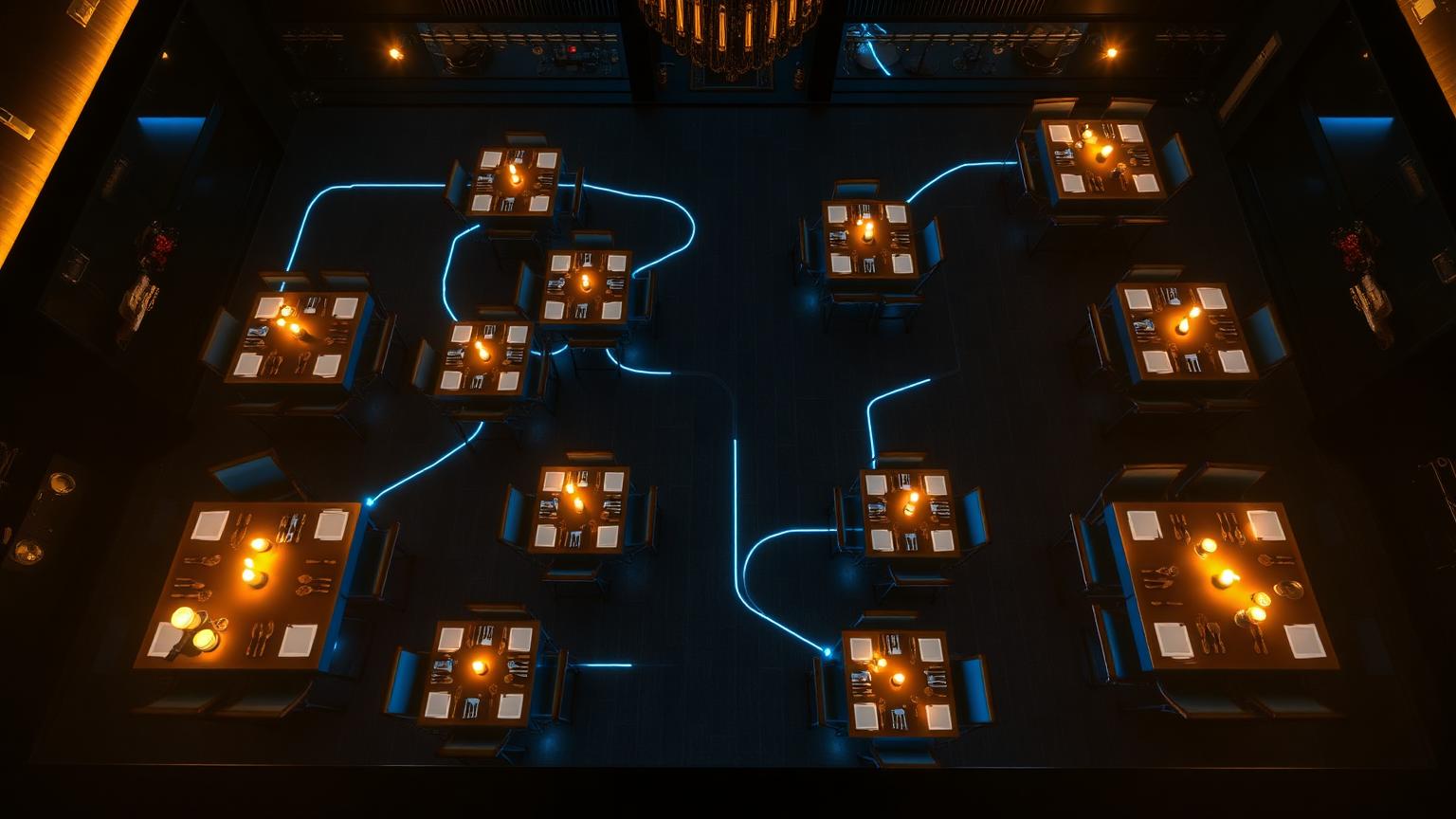
Tafels toewijzen is het stille, slopende deel van een service. Een gezelschap van zes wil de hoekbank. Een vaste gast zit altijd aan tafel 12. Om 20u komt een VIP en je hebt die tafel al half beloofd aan iemand anders. Vermenigvuldig dat met honderd couverts en je krijgt de dagelijkse Tetris die elke host vanbinnen kent.
We bouwden AI-tafelbeheer om die puzzel weg te halen van het hostdesk — zonder de controle af te pakken van je team.
Eén klik, een volledig plan
Open de plattegrond, klik "AI plan dag", en de planner doorloopt de hele service: elke reservering, elke tafel, elke regel. Hij kiest de kleinste tafels die nog passen, stapelt doorlopen waar het kan, en houdt ruimte vrij waar de keuken die nodig heeft.
Het is geen black box. Elke toewijzing landt op dezelfde plattegrond die je team al gebruikt, klaar om bij te sturen. Belt een gast om te verplaatsen? Sleep z'n kaart naar een andere tafel — klaar.
VIP's en voorkeurstafels, gerespecteerd
Gasten in je CRM dragen hun context mee. Markeer iemand als VIP en de planner kiest bij voorkeur VIP-tafels. Hang favoriete tafels aan een vaste gast en de planner probeert die eerst voor hij iets anders overweegt.
Als je een reservering op het canvas sleept, lichten tafels goud op voor VIP's en blauw als ze op de voorkeurslijst staan — zo zie je het juiste antwoord nog voor je loslaat.
Conflicten oplossen, niet bestrijden
Drop een boeking op een bezette tafel en Tablejoy weigert niet zomaar. Het toont wie er zit en biedt één klik "overrulen en herplannen" — de bestaande reservering wordt netjes losgekoppeld en in de wachtrij gezet voor de planner.
Gebouwd voor het ritme van de service
AI-planning is opt-in. Schakel het in via instellingen als je hulp wil; laat het uit als je het liever met de hand doet. Hoe dan ook blijven de plattegrond, de tijdreis-weergave en de drag-and-drop precies waar je ze verwacht.
Het is dezelfde gedachte als de rest van Tablejoy: software die de mensen op de vloer helpt, in plaats van in de weg zit.